

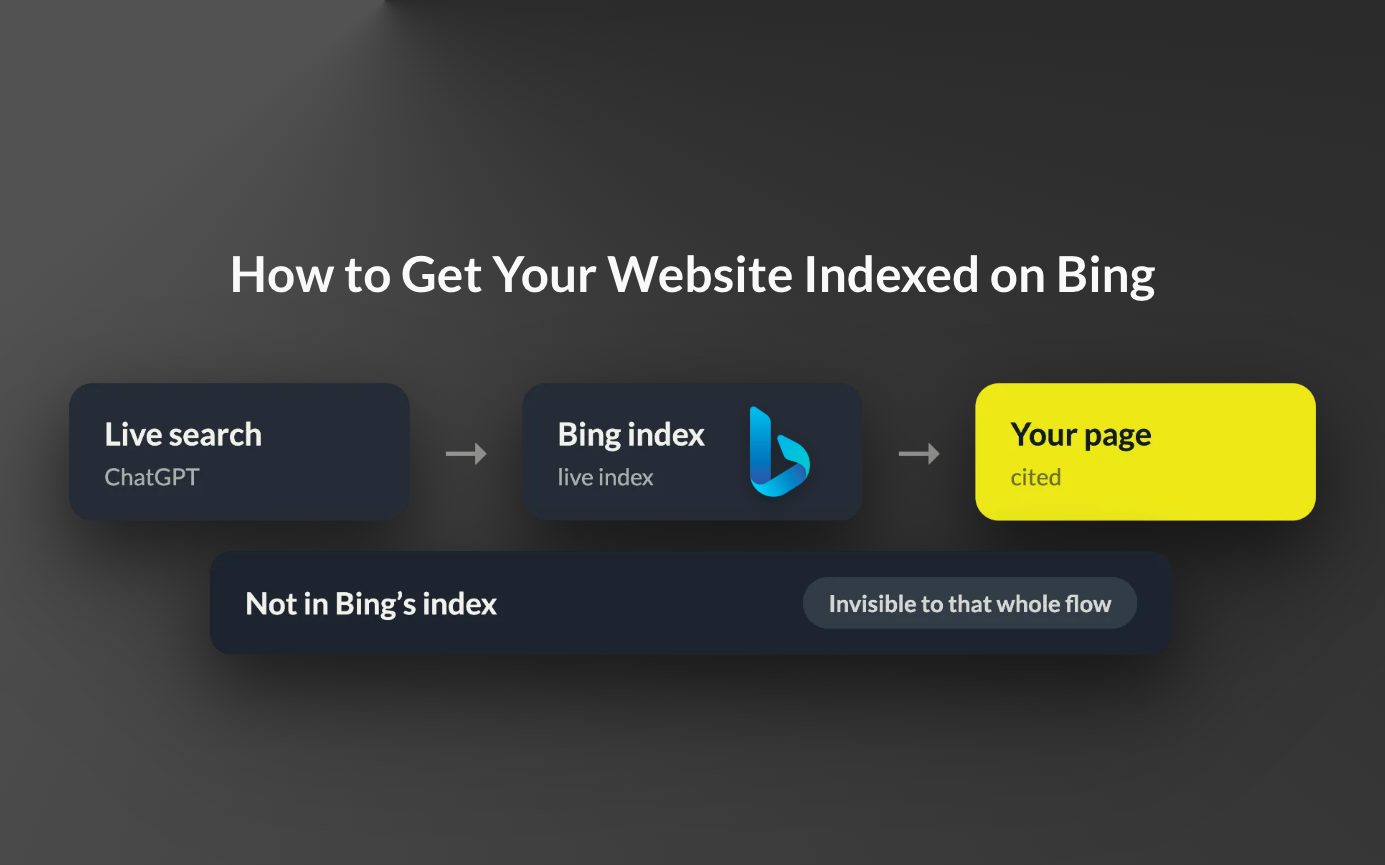
When ChatGPT runs a live search, it primarily searches Bing. A site that Bing has not indexed is invisible to that whole flow, no matter how well it ranks on Google. Ten minutes in Bing Webmaster Tools closes the gap.
Step 1: open Bing Webmaster Tools
Go to bing.com/webmasters and sign in with a Microsoft, Google or Facebook account.
Step 2: verify your site the fast way
If your site is already verified in Google Search Console, choose Import instead of adding the site manually. Bing pulls your verified sites and their sitemaps straight from Search Console, and the import counts as verification. Without Search Console, add the site manually and verify with a DNS record, an XML file upload or a meta tag.
Step 3: submit your sitemap
In the left menu open Sitemaps, click Submit sitemap, and paste the full URL, usually yourdomain.com/sitemap.xml. If you imported from Search Console, open the report once to confirm the sitemap came over.
Step 4: check that your key pages are actually indexed
Search Bing for site:yourdomain.com. Then run your most important pages through URL Inspection in Webmaster Tools. Pages missing from the index usually come down to one of four causes: a robots.txt rule blocking Bingbot, a stray noindex tag, a Cloudflare setting that blocks the Training category (Cloudflare blocks Bingbot with it, because Bingbot also collects training data), or a site young enough that Bing has not gotten to it yet.
Step 5: turn on IndexNow
IndexNow pushes new and updated URLs to Bing the moment they change, instead of waiting for a crawl. WordPress (through SEO plugins), Shopify, Wix and Duda support it, and Cloudflare has it built in. Keep the sitemap for full coverage and IndexNow for freshness.
From there, Bing indexation stops being a project and becomes a setting you checked once, and every prompt where ChatGPT searches Bing becomes a prompt where it can find you and not only your competitors.
